Ghost overlay
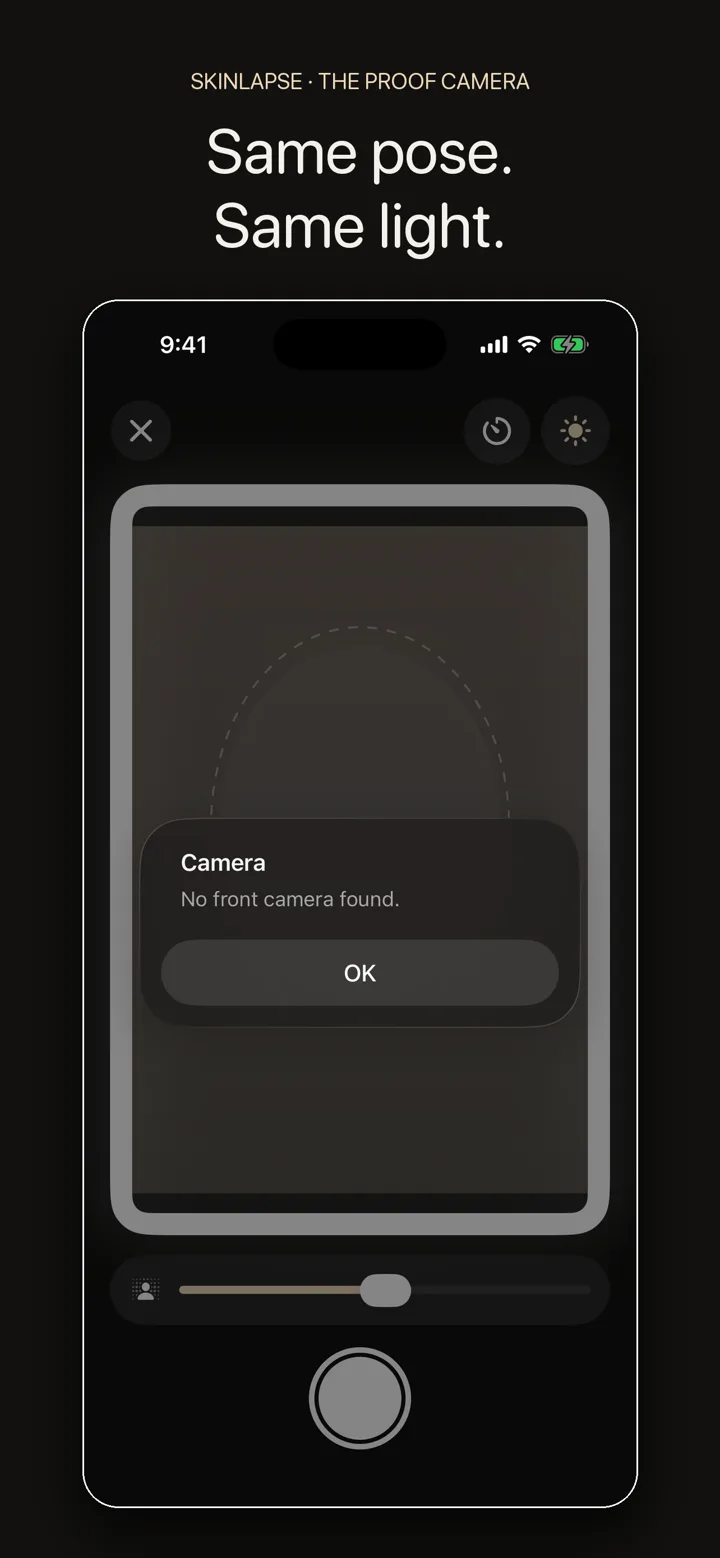
Yesterday's photo sits semi-transparent over the viewfinder. You move until your face lines up, then shoot.
One selfie a day, same light, same pose. A ghost overlay of yesterday's photo lines your face up, the screen lights it, and a month later you have a before and after nobody can argue with.
Get Skinlapse Read the guides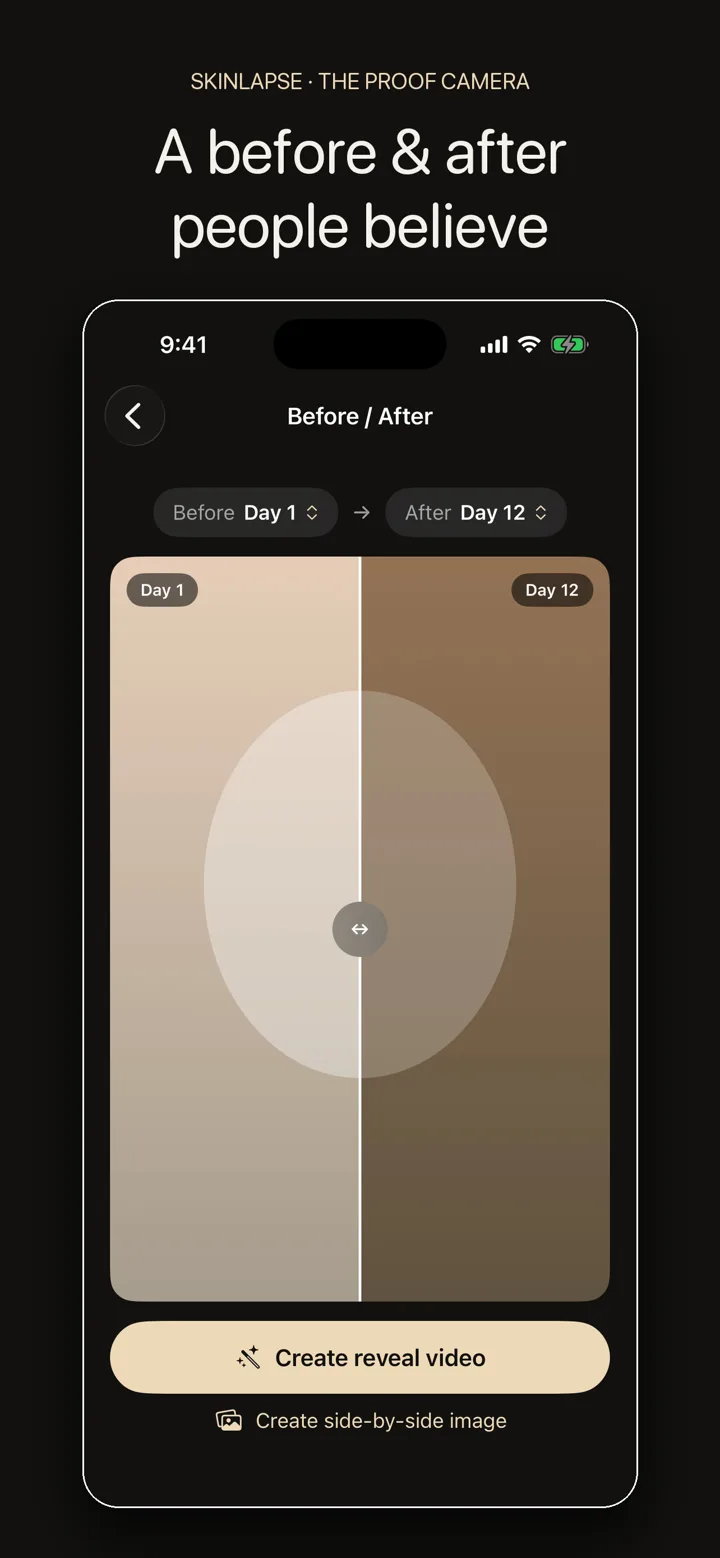
Most before and after photos fail for the same three reasons: different light, different angle, different distance. Skinlapse removes all three.
Yesterday's photo sits semi-transparent over the viewfinder. You move until your face lines up, then shoot.
A bright frame around the preview lights your face the same way every evening, even in a dark bathroom.
Retaking replaces today. Past days stay locked, which is what makes the series count as proof.
Miss one evening and the streak survives. Miss two and it resets. Progress counts photos, not calendar days.
Take the photo, drag the slider, export the video.
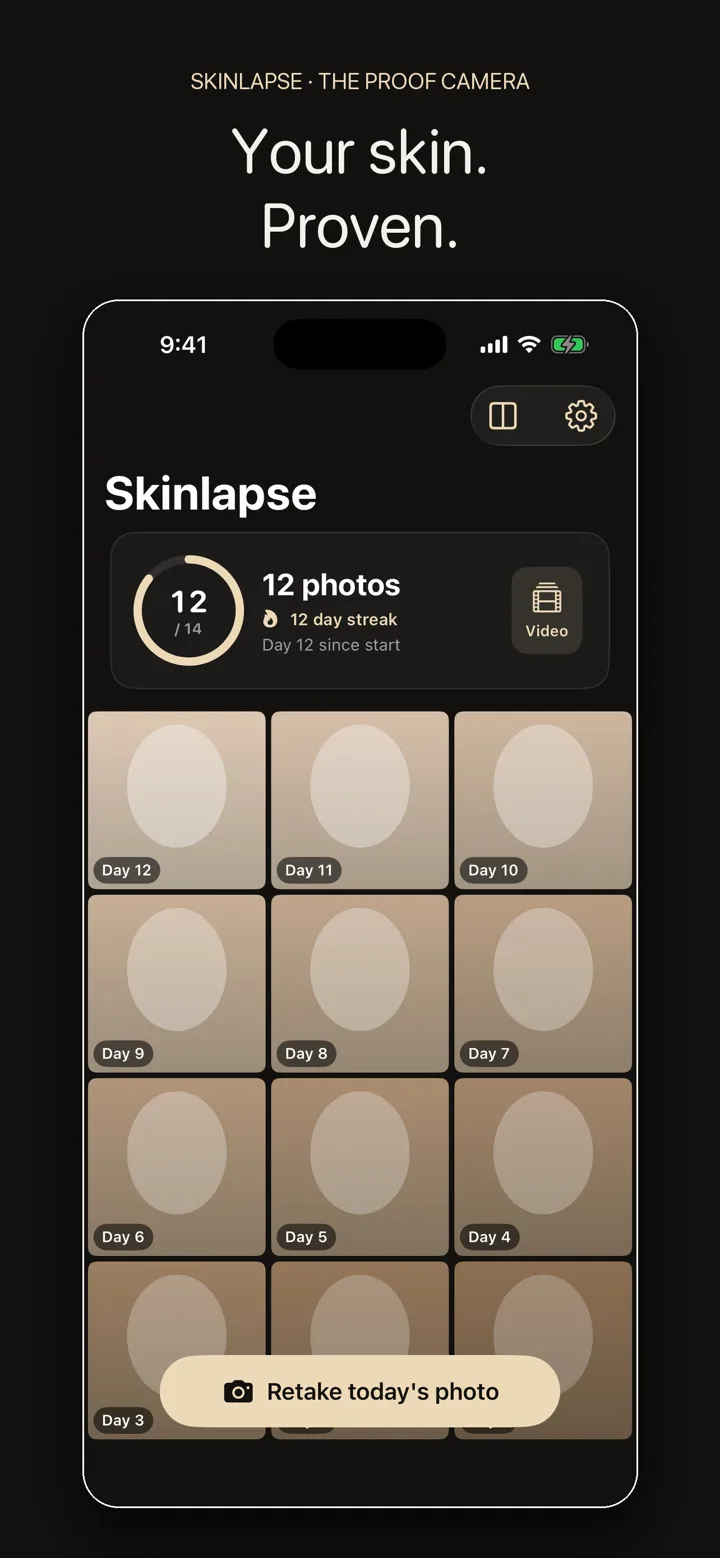
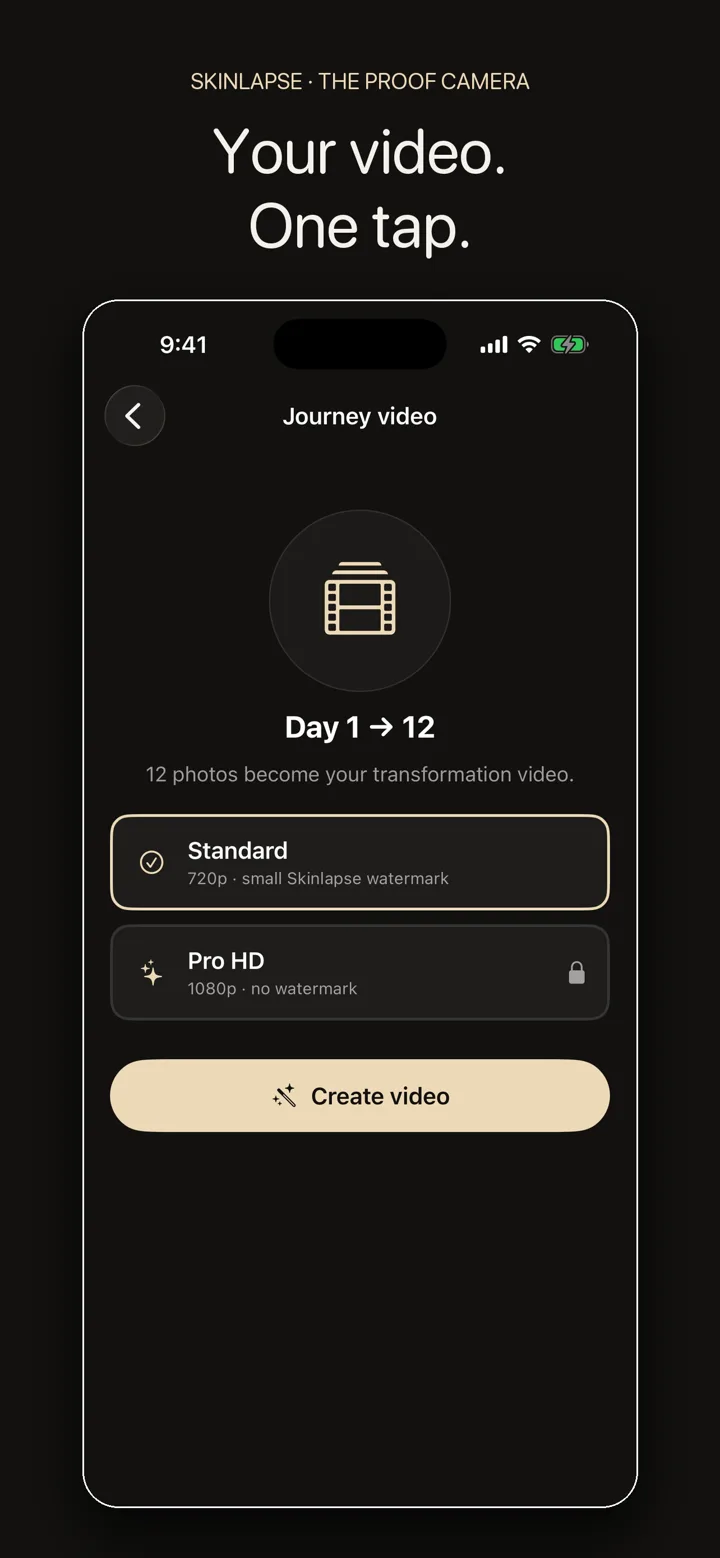
Skinlapse is a daily progress camera for skin. You take one selfie a day under the same conditions, and the app turns the series into a before and after slider and a timelapse video you can share. It documents, it does not diagnose: there is no skin scan, no score and no advice. Everything is stored on your iPhone, with no account and no cloud. The app is free; Skinlapse Pro adds HD exports without a watermark, a video range you choose and a proof sheet.
Yes. Taking photos, the streak, the before and after slider and the standard video export stay free. Skinlapse Pro adds HD exports without a watermark, a video range with the first and last photo you choose, and a proof sheet with up to 6 dated days. Pro is a monthly or yearly subscription or a one-time purchase. It can start with a free trial, and the app shows the trial length before you confirm.
No. It is a camera with a memory, not a medical app. There is no scan, no score and no diagnosis.
On your iPhone, inside the app's encrypted container. Skinlapse never uploads your photos. There is no server and no account, so nobody, including us, can see them. If you back up your iPhone, they are included like the data of other apps.
Save a copy first. In Settings there is “Save all photos to Photos”, which writes your whole journey into your own Photos library with the original dates.
Yes. Anything that changes slowly and needs the same pose every day works the same way.
Every iPhone running iOS 17 or later.
Short, practical writing about documenting a change you cannot see day to day.
Same light, same pose, same distance. The four rules that decide whether a before and after photo is evidence or just two photos.
ExpectationsThe dip in the middle of a skincare routine is normal and predictable. Knowing that is the difference between quitting and finishing.
TrackingWhat to record, how often, and which checkpoints actually tell you whether something is working.
Thirty seconds tonight, a video in a month.
Get Skinlapse